Introducing team chat: one conversation for your whole team and its agent
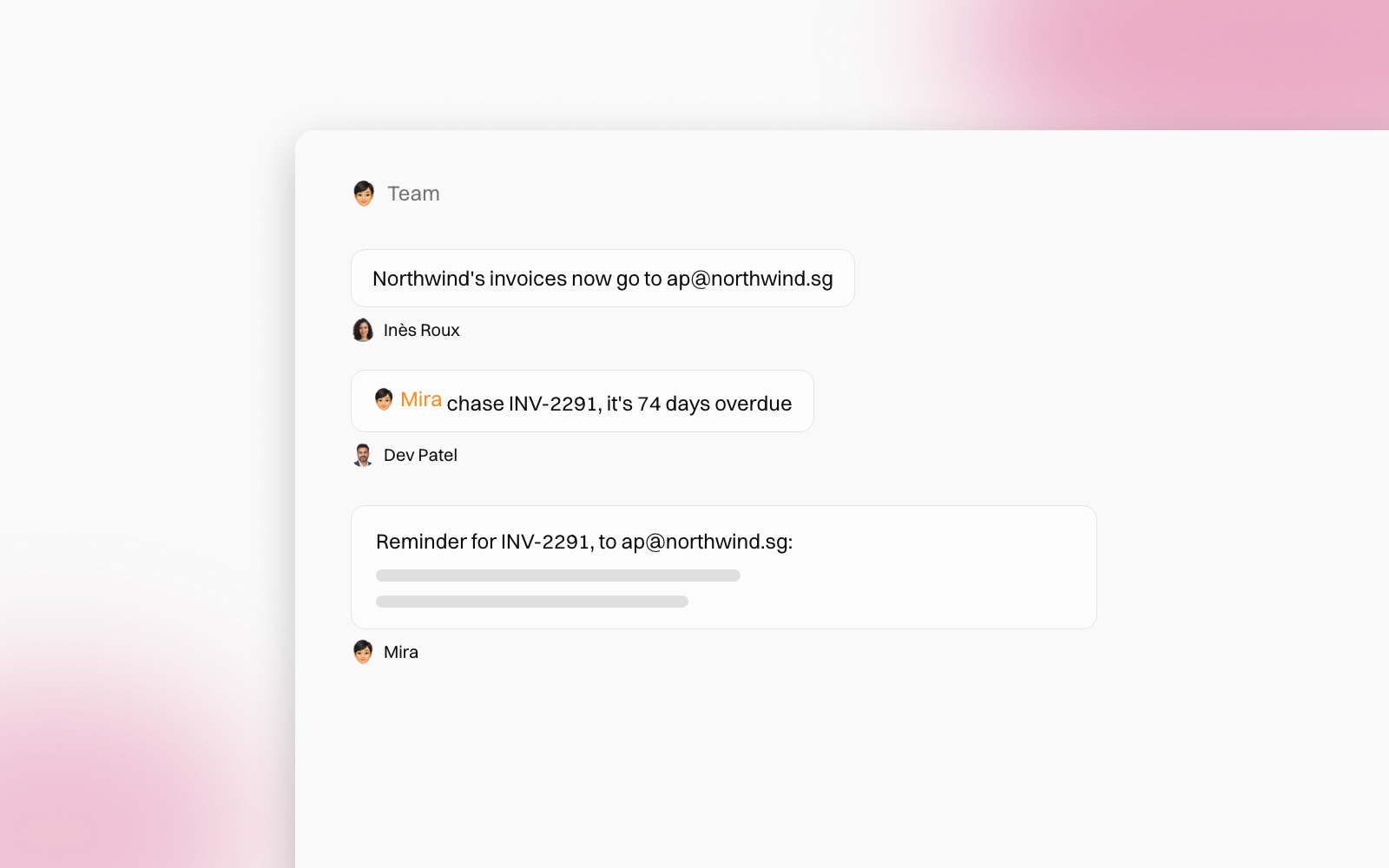
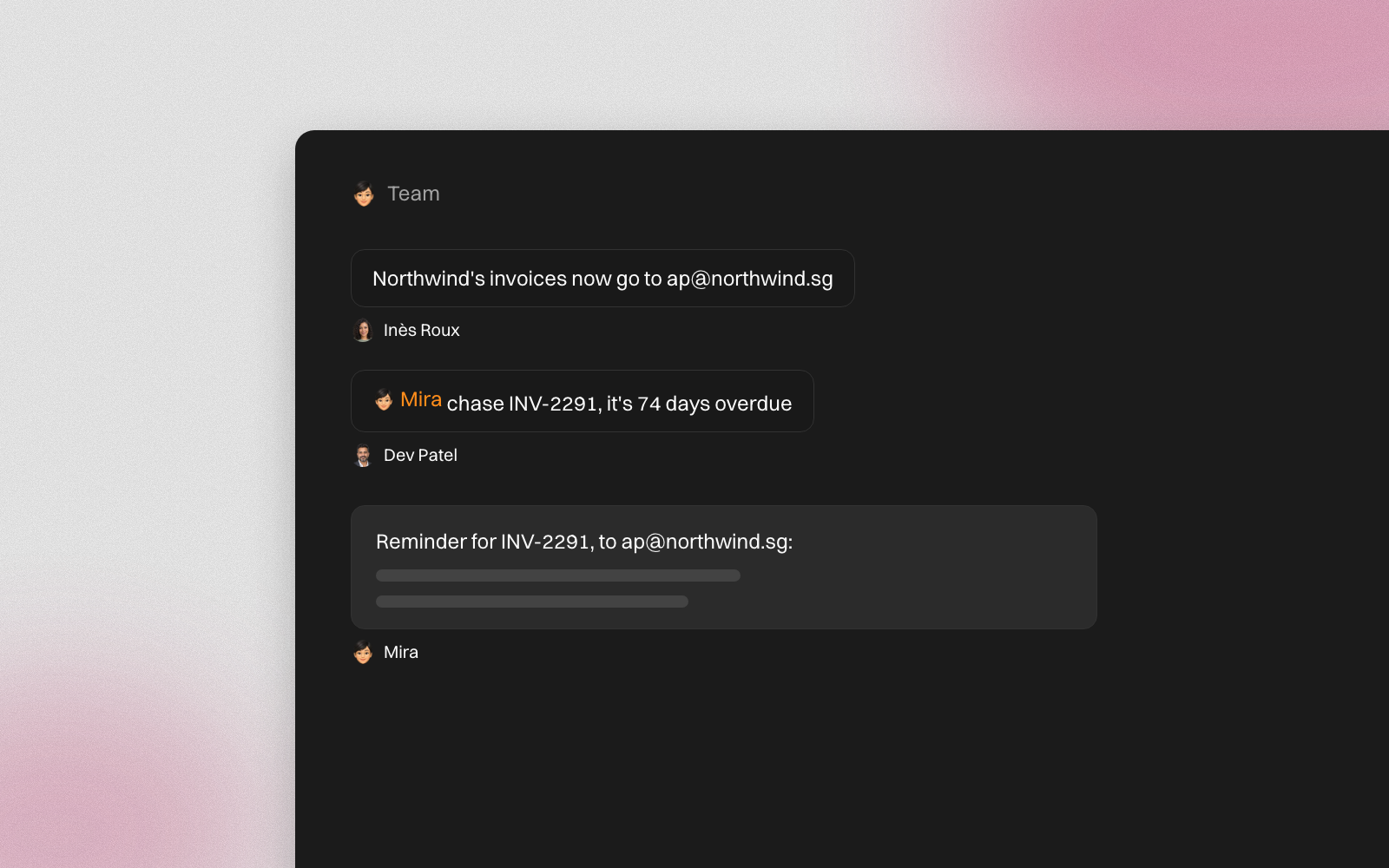
Until now, a shared agent was shared one person at a time. Everyone had their own private chat with it, so the team never saw the same answer.
Team chat changes that. Every team agent now has one room. The people on the agent talk there, and the agent answers in front of everyone.


Mention the agent to bring it in
A room is a normal team conversation first. Post a question, share a file, react to a message. The agent stays out of it until someone mentions it.
Type @ and pick the agent. It answers as a reply to that post, quoting it, so everyone can see which question it answered.
It reads what the room said since it was last called in, up to the post that calls it. A detail a teammate shared earlier comes along, so nobody has to repeat it.
Everyone sees the same work
Whatever the agent makes lands under its reply: the documents, the links, the cards. Names of teammates in its answers show as chips with their faces.
Hover a reply for its icons. Turn details shows the steps behind that answer.
The right person answers
When the agent needs something, it asks the right people:
- Forms sit under the reply. The person who asked, the owner or a Full member can fill one in. Submitting posts the answers as their message, and the agent carries on.
- Approval cards go to the same people. Everyone else sees one line saying who the agent is waiting for.
Each reply runs for the person who asked. It uses their own connections and counts toward their own spend limit. A Viewer gets a read-only answer: the agent replies, but changes nothing.
One set of rules for the team
A team agent has one permission mode for the whole team. Only the owner or a Full member can change it, and everyone else sees it locked.
The model is personal. Each person picks the model for their own next request from the menu above the message box, unless the owner has fixed one model for everyone.
Know when it's your turn
- A typing line shows who is writing, the agent included.
- A number beside the agent in your menu counts what's new. It turns amber when someone mentions you.
- Reply to a post, react to it, or open a thread from its N replies link.
Learn more
Team chat is rolling out to workspaces now. For every detail, from threads to who can answer what, read the Team agent chat guide.
People change. The know-how stays.