A newsletter needs a header. A slide needs something other than stock photos. The logo needs to be tried in a darker blue before Friday's print run.
Your agent can now make that picture. Describe it in the chat, the same way you'd ask for anything else, and it appears in about 30 seconds.
Ask in plain words
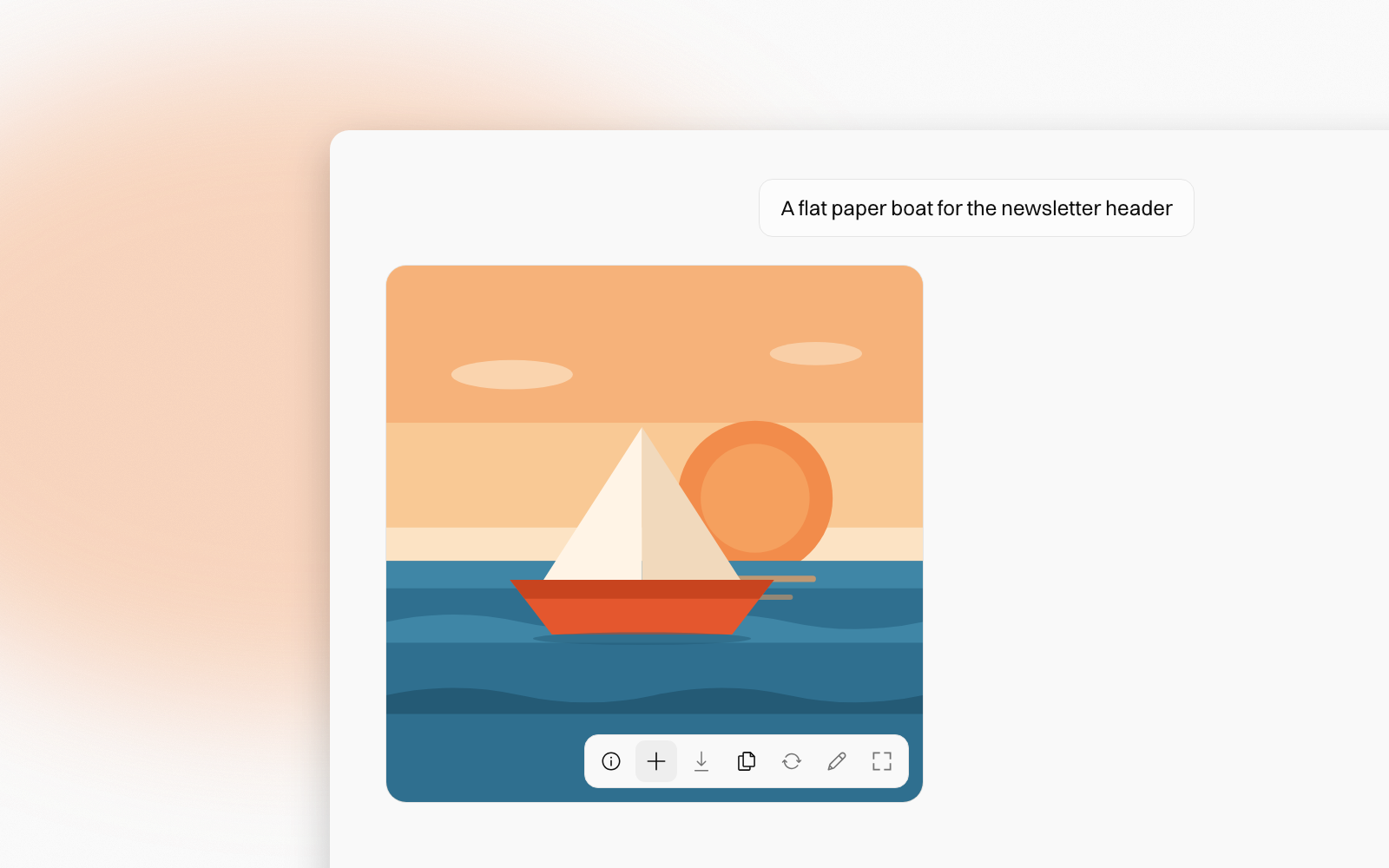
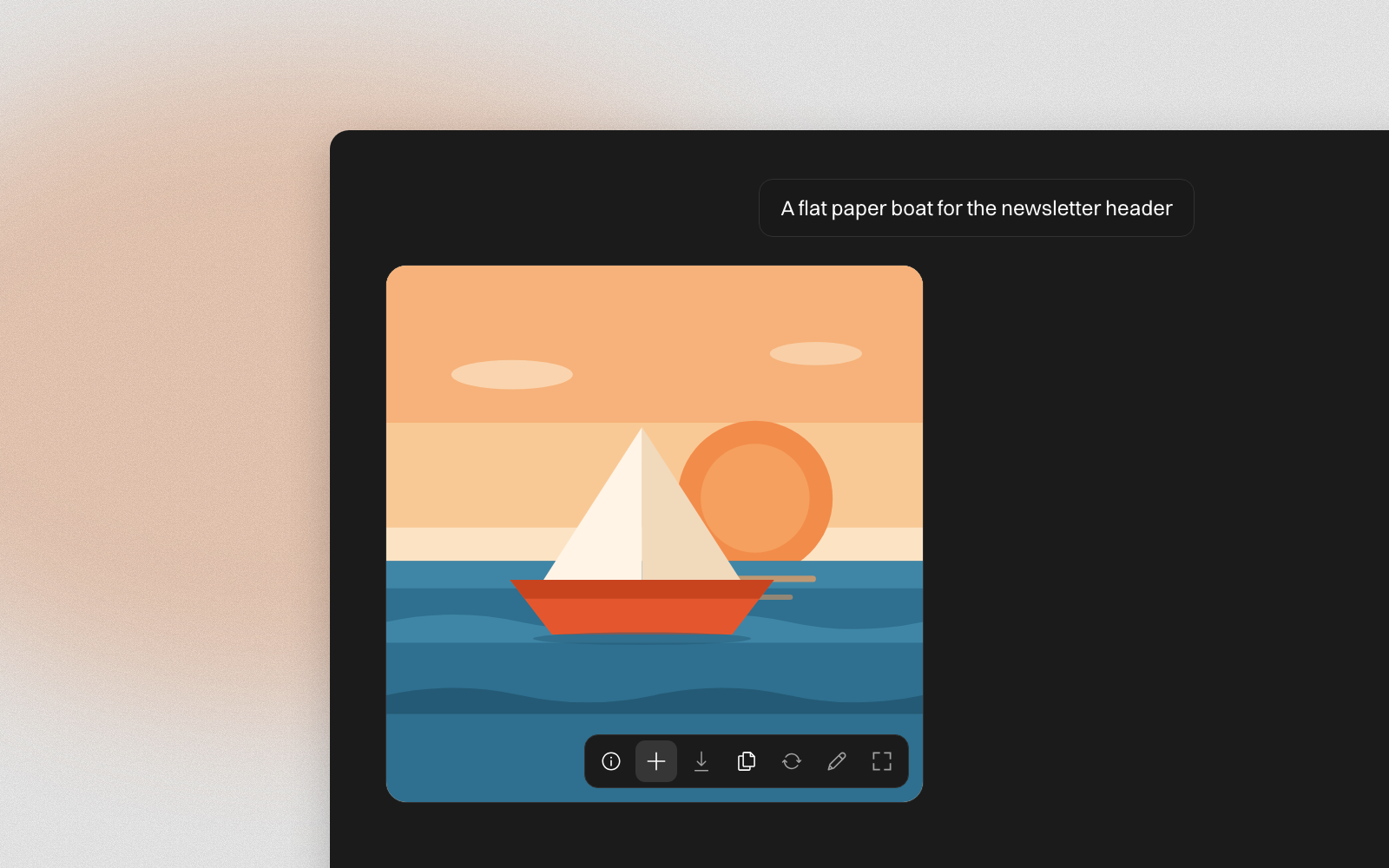
"Make a flat illustration of a paper boat on calm water for the newsletter header. Warm colours, no text."
There's no special mode to switch on. Ask for a square, portrait or landscape picture, or let the agent pick.
To change a picture you already have, attach it or mention it, and say what to change: "Make the logo in @Brand kit navy instead of teal". The agent can work from up to eight pictures at once, so you can hand it a product shot and a mood board together.


Keep the ones you like
The picture lands in the chat, not in your documents. Point at it and a row of buttons appears in its corner:
- Add to Documents saves it to an Images folder on the agent, named from your request.
- Download saves the full picture as a PNG.
- Copy image puts it on your clipboard, ready to paste into an email or a slide.
- Make variations writes a request for three more versions in the message box, ready to send.
- Annotate lets you circle what to change and send your notes back.
- View full size opens it as large as your screen allows.
Once a picture is saved, its button turns into a green tick that opens it in Documents.
A picture you don't save stays in the chat for 7 days. Only you can see the pictures you make, so save one to Documents to share it with your team.
Your real photos stay real
Making a picture redraws every pixel. That's right for a new header, and wrong for a photo of a damaged delivery or a site inspection.
So when you ask the agent to crop, resize, blur a face, or draw arrows and labels on a real photo, it marks up your actual photo instead. It only redraws a photo when you ask for a new look, such as "redraw this in watercolour". Charts and diagrams are built from your real figures too, never imagined.
Limits
Each workspace can make 25 pictures a day, shared by everyone in it. The count resets at midnight, Singapore time. Pictures of real people and other companies' logos are refused. Requests go to an outside image service, so keep personal details out of them.
Learn more
The Images guide covers every button, the limits, and how to work from your own pictures. To mark up a picture before sending it back, see Annotate for the agent.
People change. The know-how stays.