Some work never ends in one table. Supplier invoices keep arriving. Candidates keep applying. Stock keeps moving.
Books are made for that. A Book is a set of tables your agent keeps for one job, like a supplier register or an invoice ledger. You ask, the agent fills it in, and nothing changes until you approve it.
Books are in beta from today.


What a Book is
A Book holds one or more tables. Each table has typed columns, such as Text, Number, Currency and Date. A cell can point to a row in another table, so an invoice can link to its supplier.
Every change is recorded. Choose Version history from a table’s ⋮ menu to see who changed what, and when.
Start one in seconds
Ask your agent:
"Start a Book for supplier invoices: supplier, date, amount, status."
The agent designs the whole Book first: the tables, each column's type and the links between them. Suppliers might get their own table, and the status a short list to pick from. Then it builds the Book in one go, tells you what it made, and puts a card in the chat that opens it.
Or make one yourself:
- On the Documents tab, click the ⊕ and choose Book.
- Type a name and press Enter.
- Click New table, or ask the agent to set it up.
What your agent can do
- Design a Book from a plain description: its tables, column types, links and short pick lists
- Add, update and remove rows as work comes in
- Link rows across tables
- Add stat cards that total, count or average a column, or name its highest or lowest row
- Add checks, such as "every invoice has a due date"
- Import an Excel file, or export one
Every change waits for you
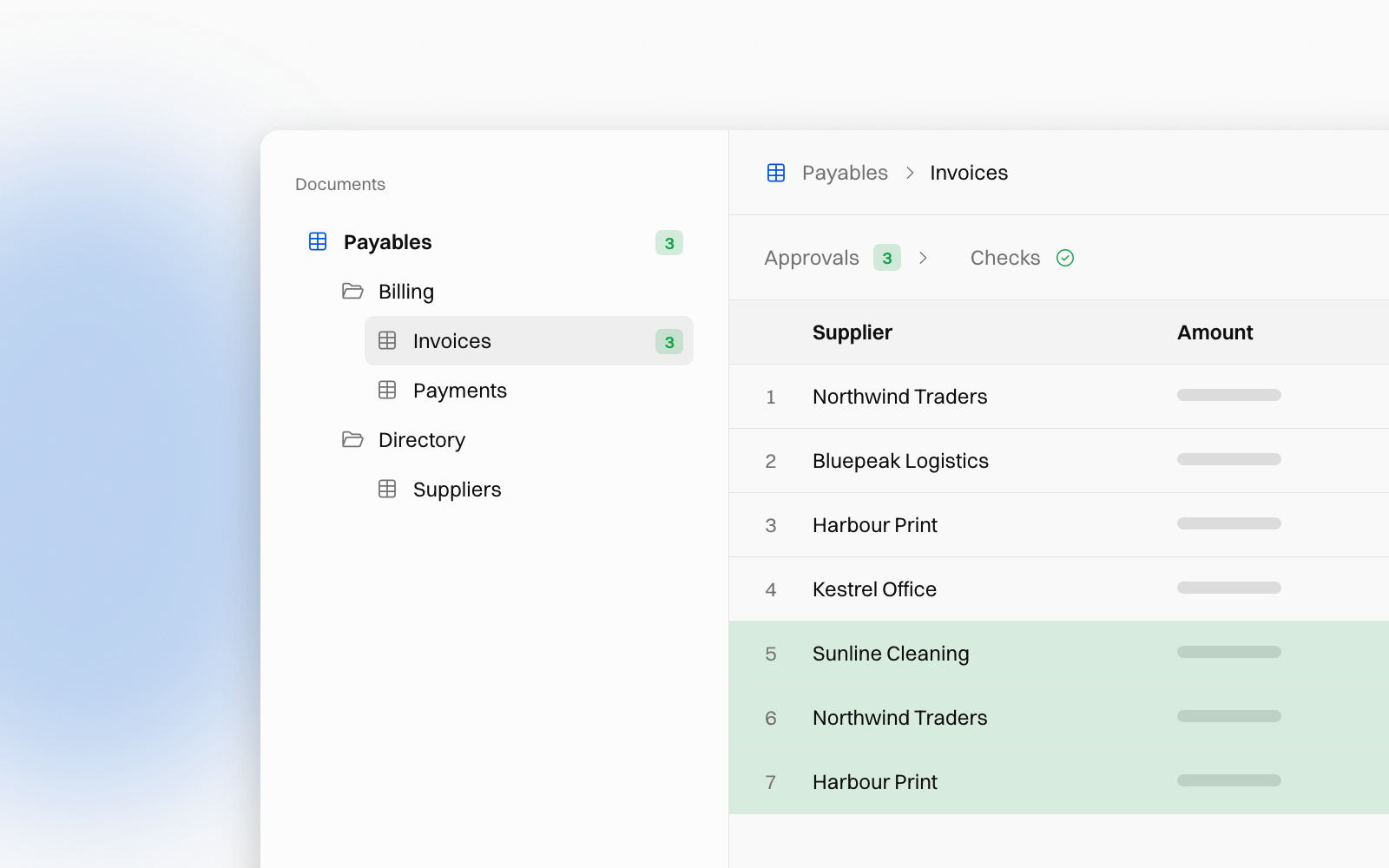
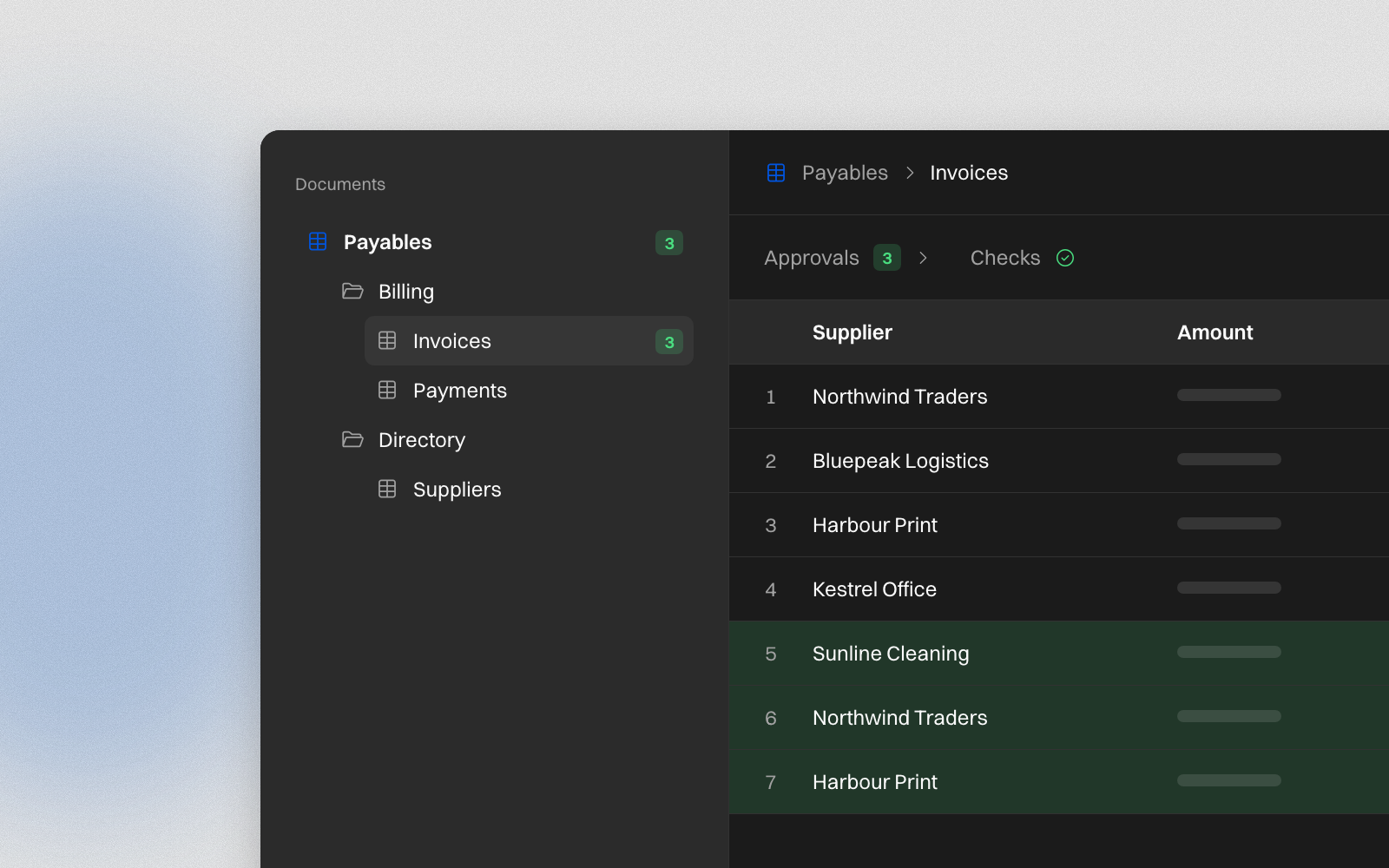
The agent never edits a Book directly. The rows it wants to add show green in the table, changes show blue with the new value, and removals show red. They wait there until you decide.
Approve or reject the whole batch from the card in chat, or from the Approvals tile above the table. When several tables are waiting, choose Approve all… from the Book's ⋯ menu on the Documents tab. Stat cards and exports only count approved rows, so the figures you see are figures you signed off.
Row checks run on every row, even rows still waiting. When a row breaks a rule, the Book marks it yellow, and the Checks tile above the table steps you through the rows that fail. Checks don't block approval.
Books or Excel files?
Both live in your documents. They suit different jobs.
| Book | Excel file | |
|---|---|---|
| Best for | Data that keeps growing | A one-off table or report |
| Who edits | You, and the agent with your approval | The agent, saving over the file |
| Changes | The agent's edits wait for approval | Saved straight away |
| History | Every change, per table | The latest file |
| Totals | Stat cards, approved rows only | Whatever is in the workbook |
| Share outside | Export to Excel | Download the file |
A simple rule: if you will add to it next week, make it a Book. If you will send it today, make it an Excel file.
Built for big tables
- Filter a table by what its cells show: a supplier's name, an amount, a date
- Turn columns off and on from Hidden columns in the table's ⋮ menu
- Keep up to 20,000 rows in one table
- Ask the agent for totals by supplier or by month
Try it
Books are in beta for every workspace. Coming next is the auto-classifier, a Book column that fills itself in.
Ask your agent to start a Book, or read the Books guide for the full tour.
People change. The know-how stays.