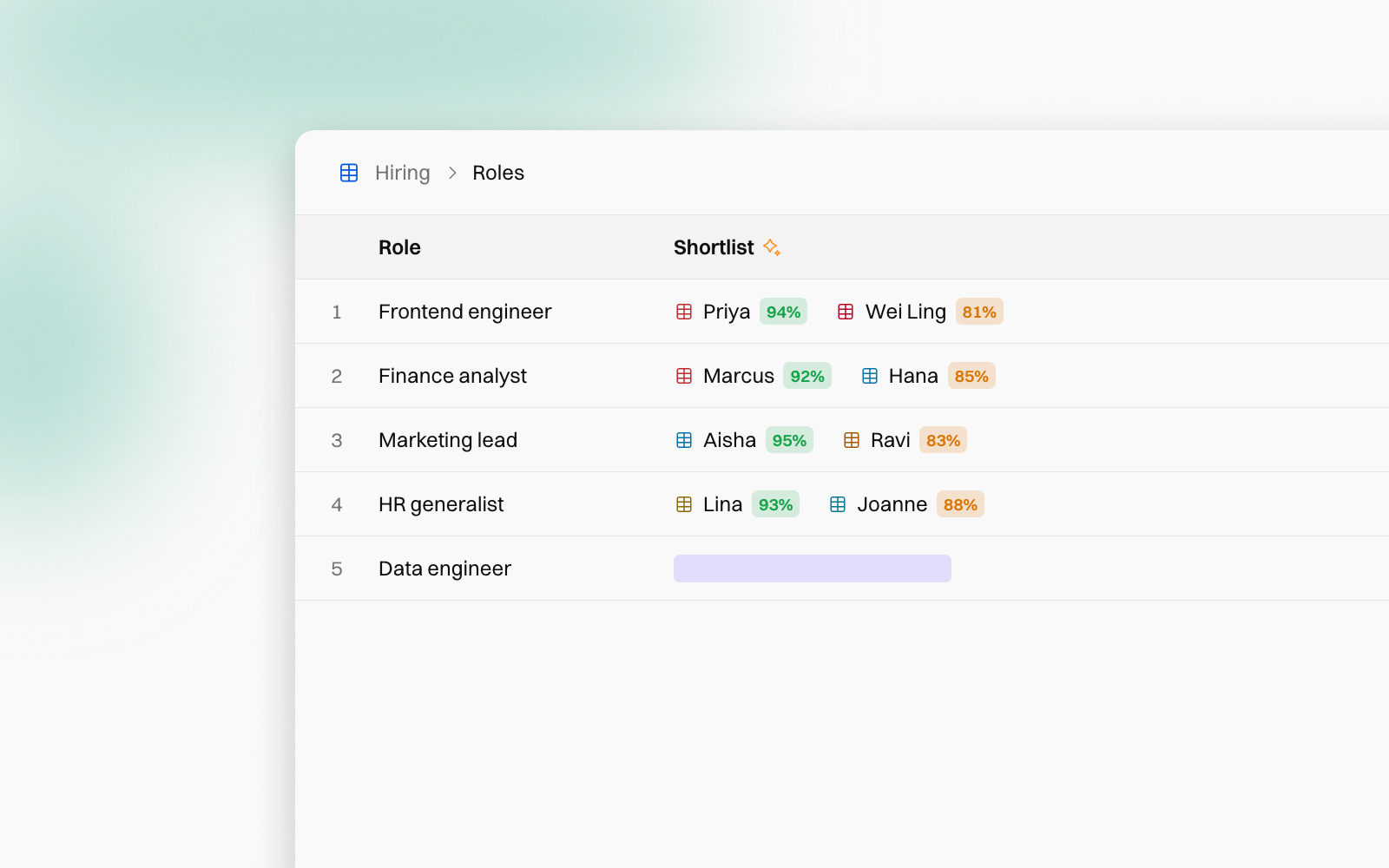
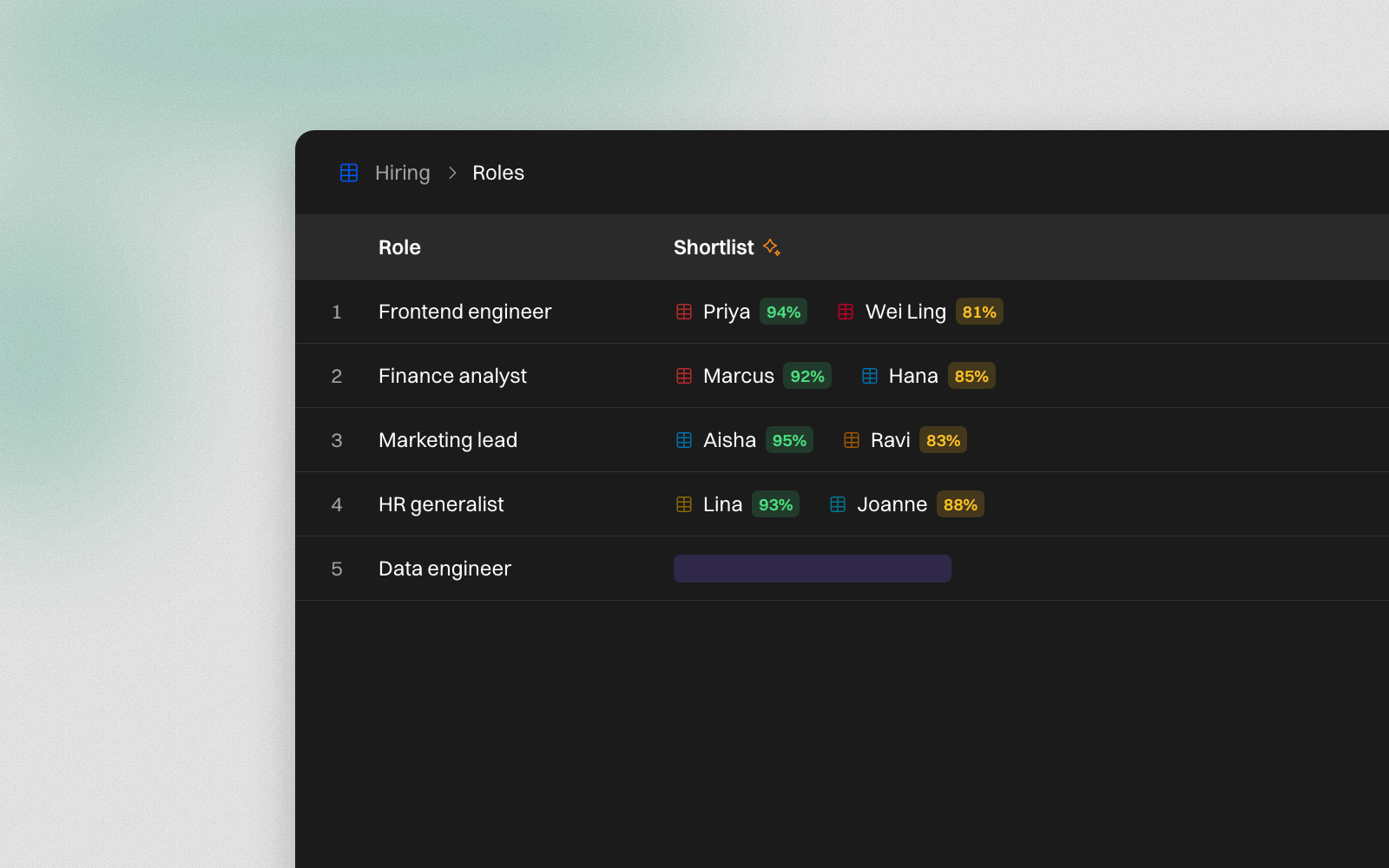
Some columns are pure judgement, made thousands of times a month. Which candidates fit this role? Which account does this journal entry post to? Which team should pick up this ticket?
The auto-classifier makes that call for you. It fills a Book's Select or Multi-select column on every row, as rows arrive, and tells you how sure it is.
The same column you know
The auto-classifier doesn't add a new kind of column. It fills the Select and Multi-select columns a Book already has.
Those columns take their options from another table in the Book, its data table. Each role's shortlist comes from Candidates. Each journal entry's account comes from the Chart of accounts. Each row of the data table is one option, and its other columns say what the option means.
Until now, someone had to make every pick. By hand, that's opening a list and choosing, row after row. At 10 seconds a row, 5,000 entries a month is about 14 hours of clicking. Or you asked an agent, which meant writing a prompt, starting a run and paying a large model to read every row.
How it works
The auto-classifier runs on Jev, a decision model. Jev can't chat or write text. It only chooses from the options it's given, and that is what makes it fast and cheap.
For each row, it reads:
- The options. Every row of the data table, with all its columns, such as what goes in each account.
- The row. The row's other cells, such as the date, the description and the amount.
- The column. Its name and description say what to choose. That's the whole instruction, so there's no prompt to write.
- Your past picks. Values your team chose by hand show it how you like things filed.
Then it writes its pick with a confidence. A new row gets its pick within seconds, with nobody starting a run. An import of thousands of rows fills in the background.
What you can classify
Any column that picks from a list your business keeps:
- Journal entries to accounts, from your chart of accounts
- Candidates for open roles, from what each role is looking for
- Support tickets to teams, from what each team handles
- Expense claims to cost centres, leads to sales owners, products to categories
Before and after
Jev reads about as much as an AI agent would. The difference is the price of each word it reads, and that it writes nothing but its pick. For a chart of 120 accounts:
| An AI agent | The auto-classifier | |
|---|---|---|
| To start it | You write a prompt and start a run | Nothing. Rows fill as they arrive |
| Reads a row | About 6,600 tokens | About 6,600 tokens |
| Price | $4 per million tokens (Claude Opus 5.5) | $0.042 per million tokens |
| 1,000 rows | About $26 | About $0.28 |
| 5,000 rows a month | About $130 | About $1.40 |
That's about a hundredth of the cost, and no prompt to keep up. A shorter list costs less still: with 8 options, 1,000 rows cost about four cents.
And for now, the auto-classifier is free. It doesn't use your workspace's credits.
You can see how sure it is
With Show confidence on, as it is from the start, every value it fills shows how sure it was: green from 90%, amber from 60%, red below.
When it isn't sure enough, it leaves the cell blank instead of guessing. Its three best guesses wait at the top of the cell's list, so the right one is a click away.
You set the bar. Fill when at least decides how sure it must be before it writes a value. The default is 60%.
Your picks always win
A value someone picks by hand is marked manual, and the auto-classifier never overwrites it. Click a cell's pill to hand it back. Flip manual to auto, from the star after the column's title, hands back the whole column.
You also decide what it reads. Tap a column under Reads to keep it out, such as an ID, a phone number or a private note.
Learn more
To see how to switch it on, set the bar and check its work, read Auto-classifier in the Books guide.
People change. The know-how stays.