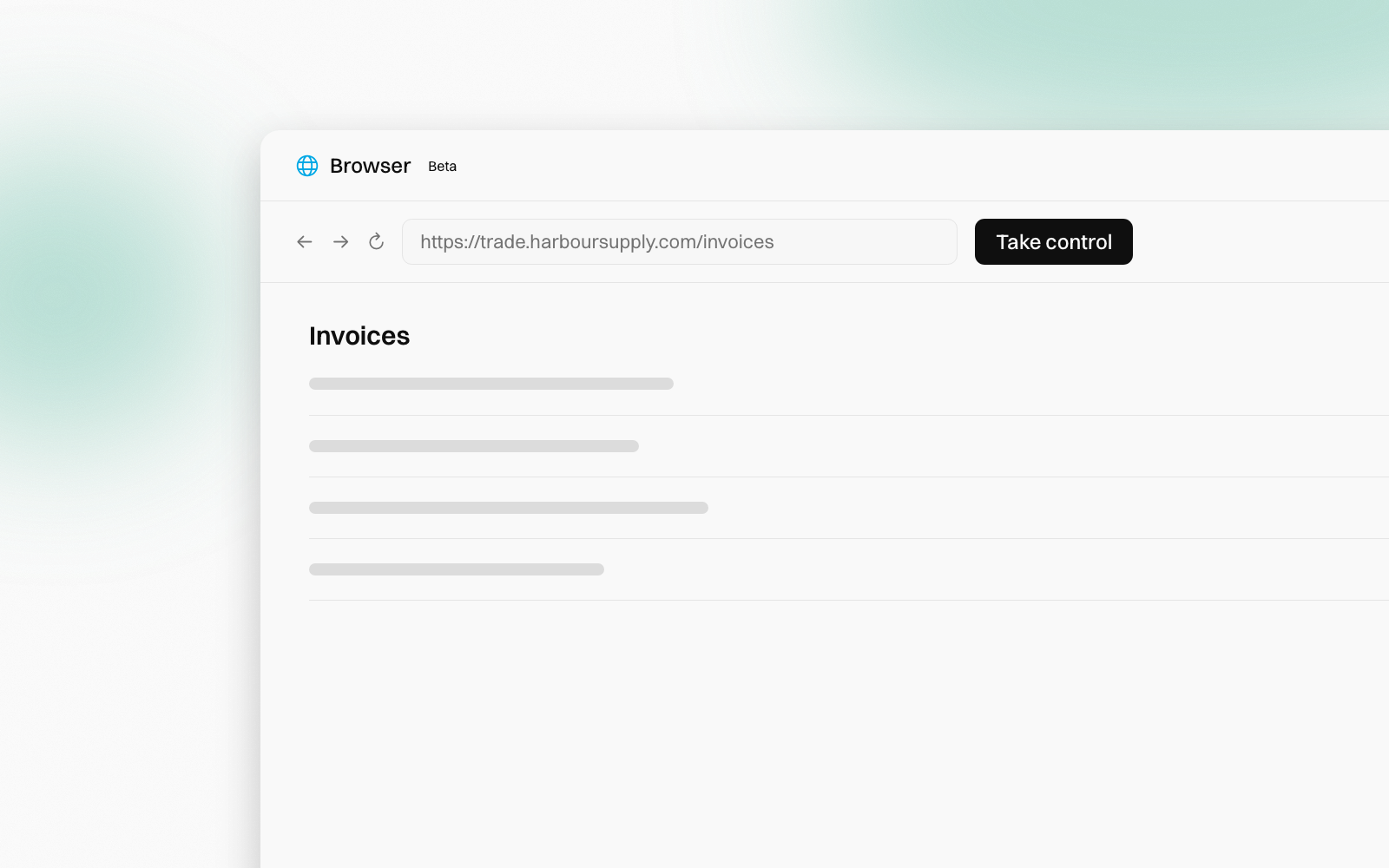
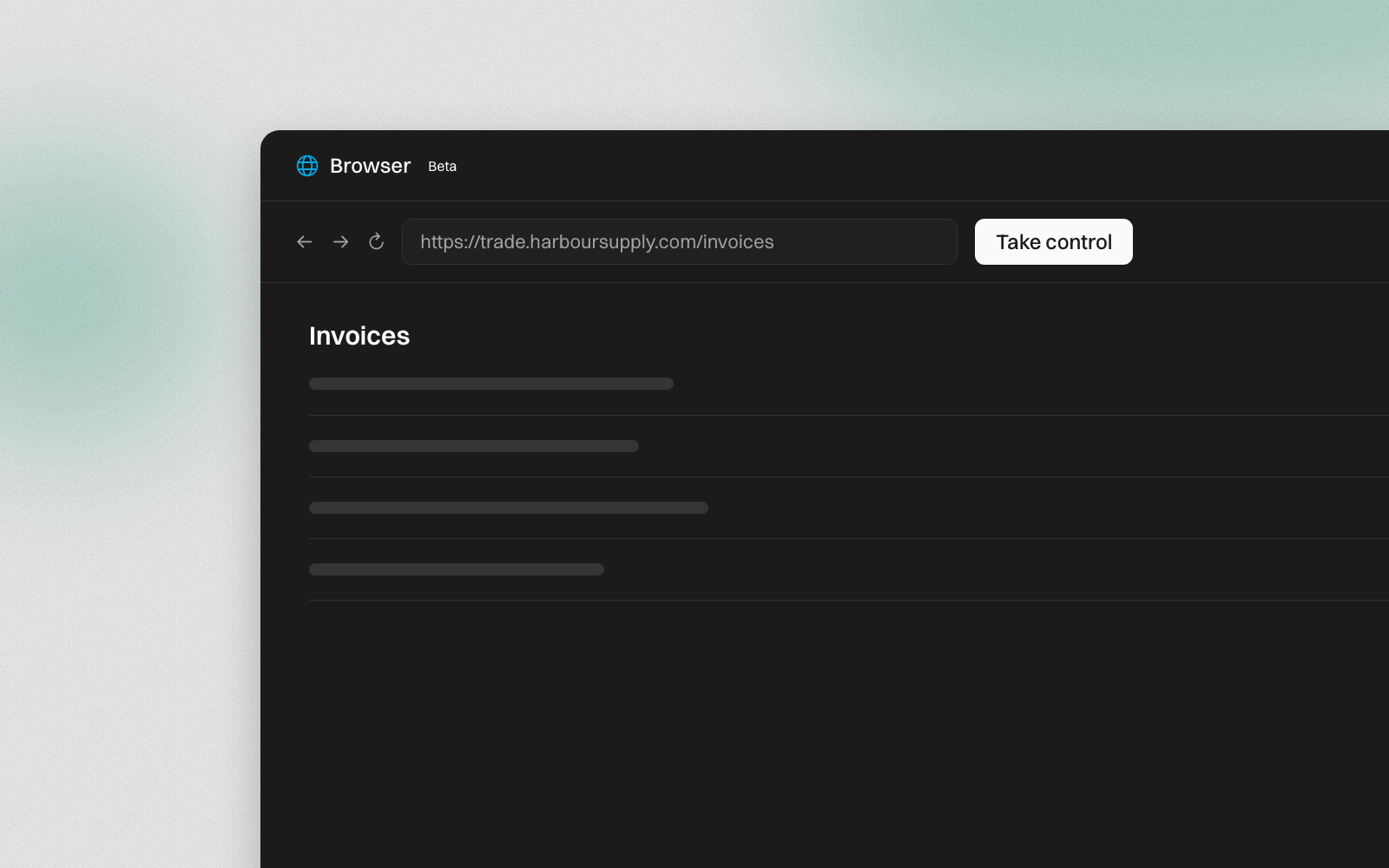
Connectors cover the tools with a proper way in: Xero, Outlook, Gmail, Drive. But a lot of work happens on websites that have no way in at all. The supplier portal. The government form. The booking site your industry still runs on.
Your agent now has a browser for those. It's a real browser, running in the cloud, and you can watch every click live.
Ask, and watch
Ask in chat, the way you'd ask a colleague:
"What's our total on the Harbour Supply portal for September's invoices?"
The agent starts its browser, opens the site and works through the pages. A card in the chat has an Open button. Click it to watch the agent move through the site as it goes.
For a job with several steps, such as searching, filtering and reading a table, the agent hands the clicking to a fast browsing model and checks the result. You see each step on the page as it happens.
You hold the keys
The agent never types a password. When a site needs a sign-in, it opens the sign-in page and waits for you:
- Click Open on the card, then Take control. The agent pauses.
- Sign in to the site yourself.
- Click Hand back, then I've signed in on the card. The agent carries on.


It's the same for a "prove you're a person" check. The agent never tries to pass one. It stops and asks you to.
You can take control at any time, not only when asked. Click the page, confirm Take control, and use it as you would any browser. Hand back when you're done. You can also start the browser yourself, from the Browser tab in the agent's Computer panel:
Nothing gets submitted behind your back
Before the agent submits a form, it pauses and names the step in a panel above the page: "The agent paused before step 4: click Submit on portal.example.com. Approve it?" Click Approve or Reject.
Some buttons it never clicks at all, such as Send or Email invoice on a site. Those stay yours.
One browser per agent
Each agent has one browser, shared by its tasks and by everyone who works on the agent. It keeps its tabs and its sign-ins between sessions, so you sign in once. Because sign-ins are shared, only sign in with an account everyone on the agent may use.
Closing the view never stops the agent's work. The browser stops by itself after 30 minutes with nothing happening. It's in beta, and browser time isn't charged: the agent's chat turns use AI credits as usual.
Learn more
Starting & interaction covers starting the browser yourself, tabs, approvals, limits and who can use it. Start with the Browser overview.
People change. The know-how stays.